ClipKitchen
Open the appDinner for the week, planned around this week’s sales.
ClipKitchen reads the weekly ads at the grocery stores near you, checks what's already in your pantry, and plans the week's dinners around the deals, then builds a shopping list priced at your stores.
Free. No account needed to try. The iPhone and Android apps are in beta.
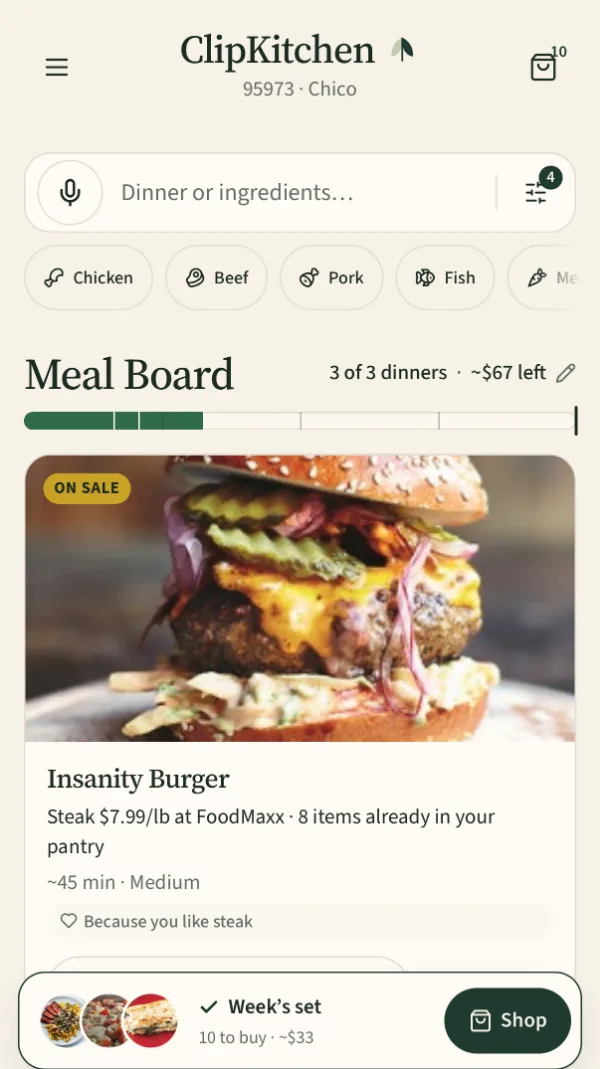
Dinners ranked by this week's sales and your pantry
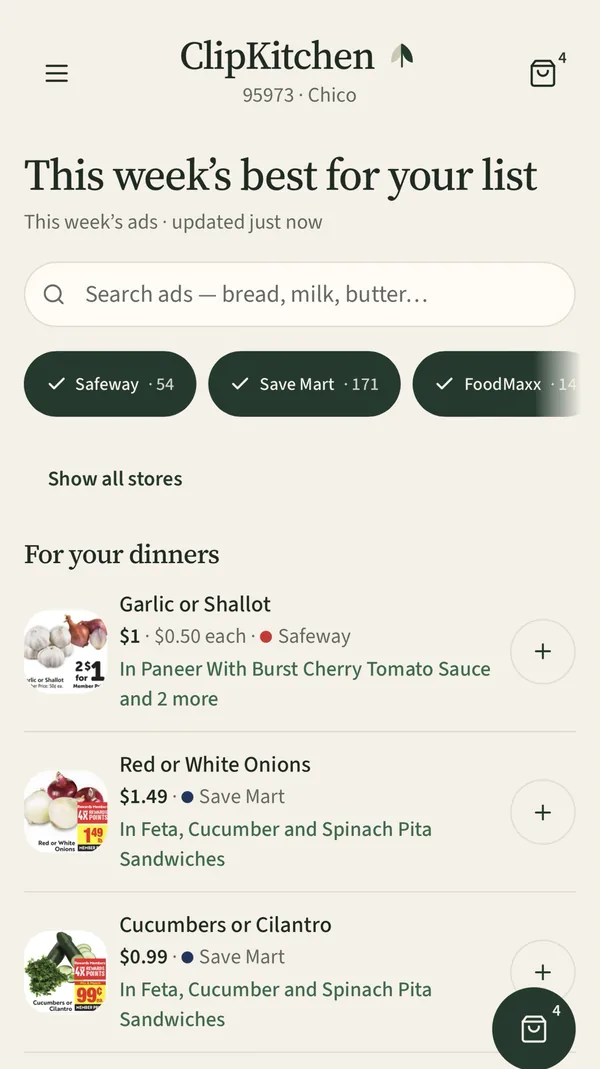
This week's ads from your stores
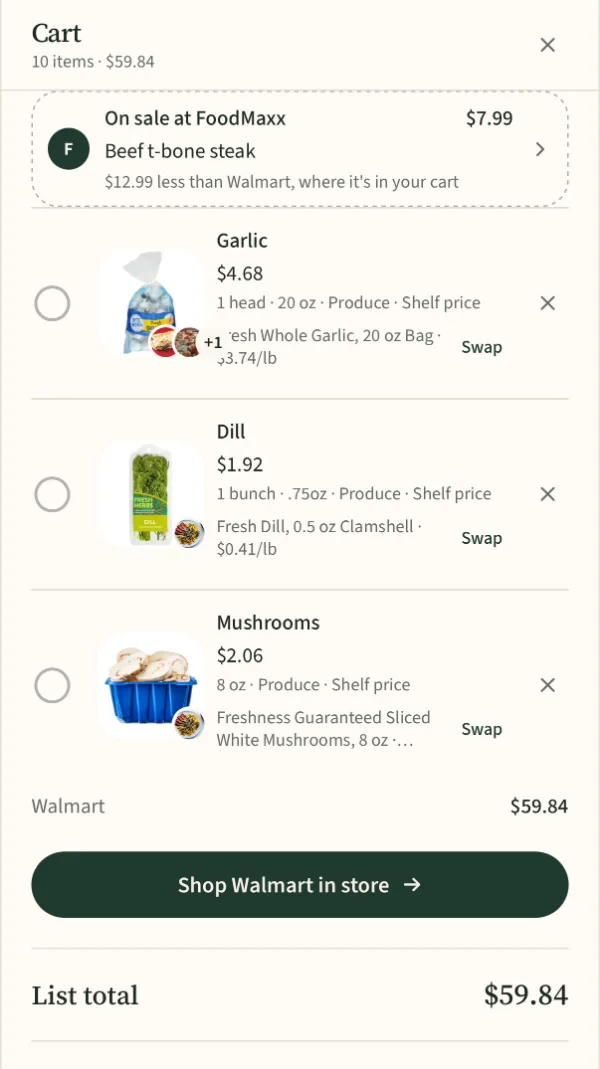
One list, priced at your stores, with sales worth a stop
How it works
Tell it your stores and what's in your kitchen
Pick the grocery stores near your ZIP. Add your pantry by tapping shelves, scanning a barcode, or scanning a receipt.
Get a week of dinners built on the sales
The Meal Board ranks dinners by what's on sale this week and what you already have. Add the ones you'd make; a thumbs-down puts one away for a few weeks.
Shop one list
ClipKitchen builds the shopping list, prices it at your stores, and points out when a second stop is worth it. Send it to Kroger or Walmart, or take the checklist to the store.
What it does
This week's ads, read for you
Sale prices from your stores' weekly ads, matched to the foods in each recipe, including ads that list several items at one price.
Pantry first
Dinners that use what you already have rise to the top, and the list skips what's in your kitchen.
Honest prices
Store prices when we have them; anything estimated is labeled as an estimate.
Filters that matter on a weeknight
Done in 30 minutes, kid-friendly, vegetarian and other diets, a weekly budget, and carbs, protein and fat per serving.
Free to try, no account needed
Start as a guest. Sign in later to keep your kitchen and sync it between devices.
Stores
ClipKitchen reads the weekly ads for the stores near your ZIP: chains like Safeway, Albertsons, Raley’s, Save Mart, FoodMaxx, WinCo, Walmart, Target, Grocery Outlet and the Kroger family of stores, among others. Which ones you see depends on where you live. ClipKitchen isn’t affiliated with these stores; their names belong to them.
Join the Chico pilot
We’re testing ClipKitchen with families in Chico, California. If you plan dinners around the weekly ads, or wish you did, we’d love your help: use it for a month and tell us what’s broken.
Email us about the pilot